
 WordPress
ILM Size Chart for WooCommerce (Free)
ILM Size Chart for WooCommerce is free with no licence key: unlimited charts, a drag-and-drop builder, popup or on-page display, every display rule and 8 themes.
ILM Chat & Order for WhatsApp adds a WhatsApp chat button to your WooCommerce shop and an Order on WhatsApp button to your product pages and cart. A click opens WhatsApp on the shopper's phone or computer with your message already written: the product, the chosen size or colour, the quantity and the price. It is free, with no licence key, no watermark and nothing locked.
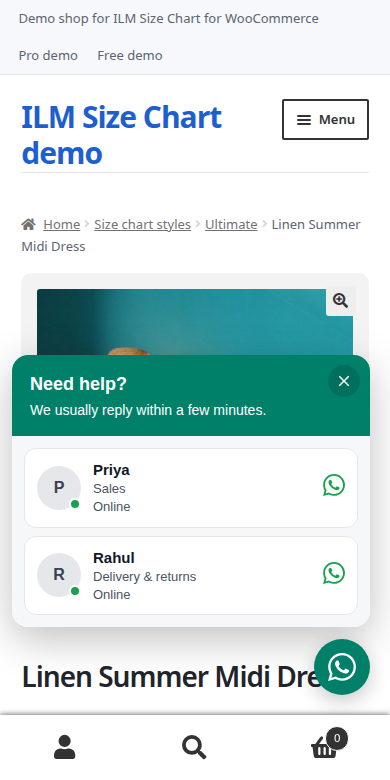
Add as many agents as you like, each with a name, a role, a photo and their own pre-filled message. Shoppers pick the right person: sales, delivery, returns.
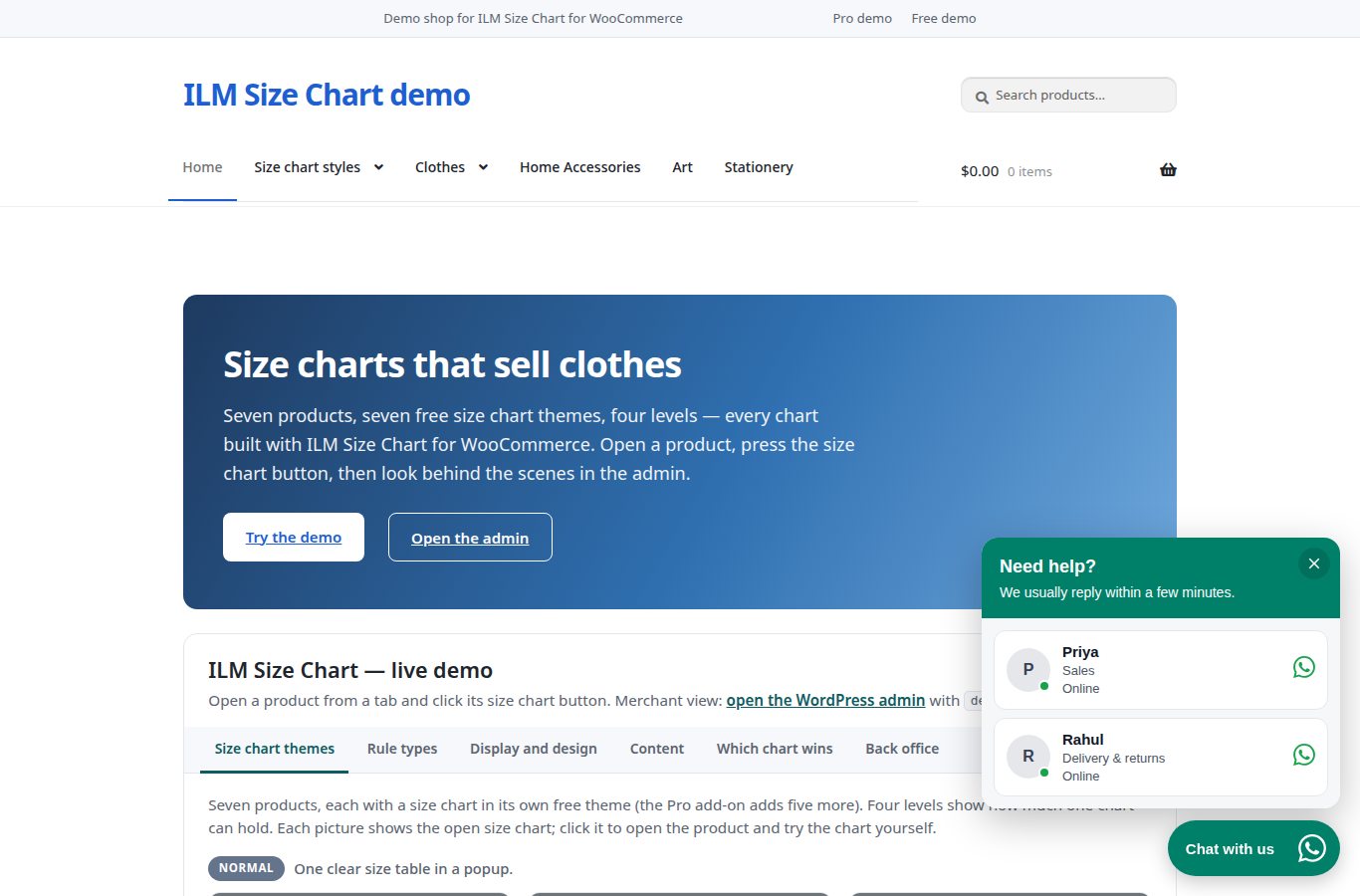
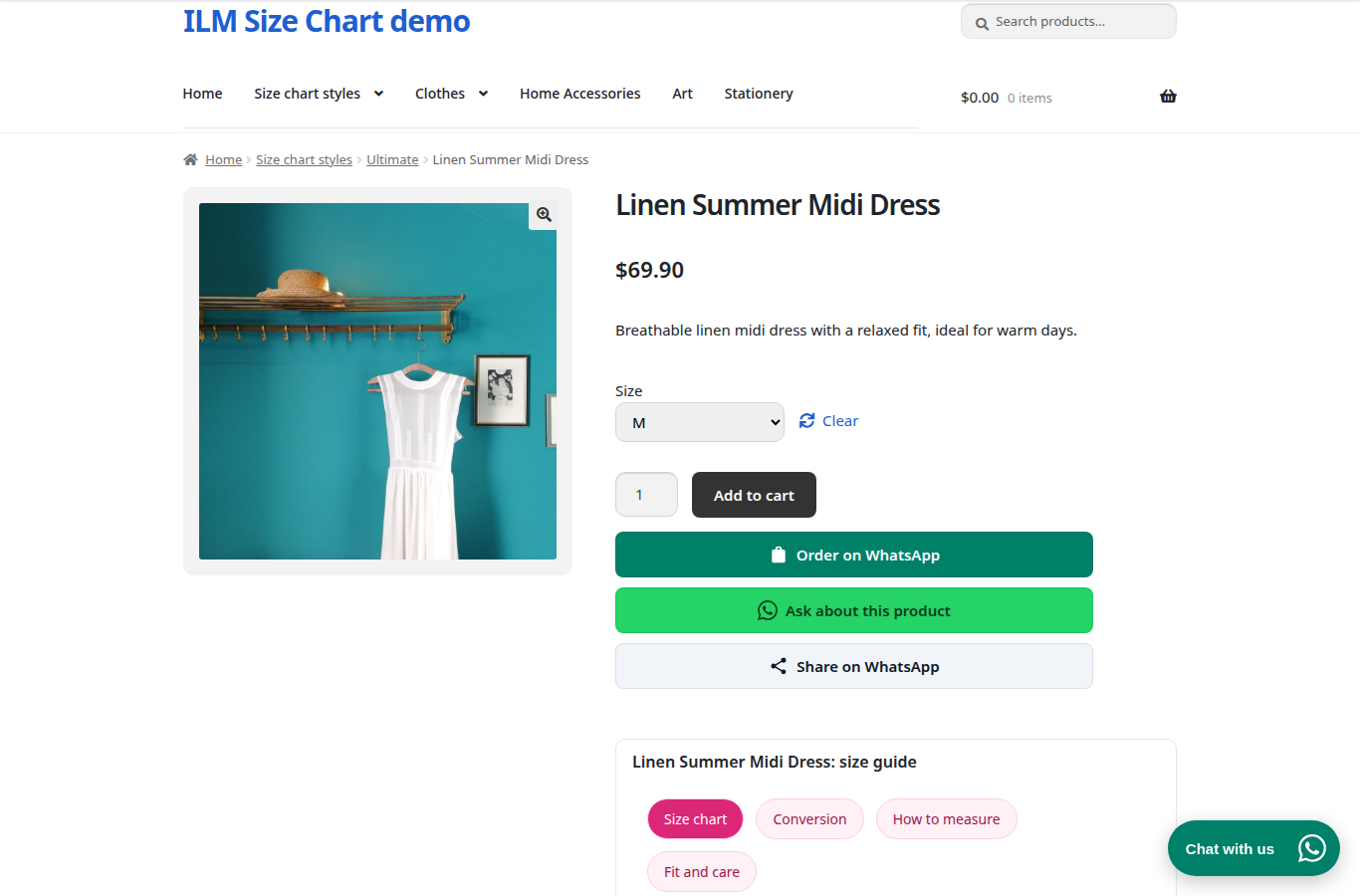
Shoppers who prefer to talk before they buy send you the order in one click. The message follows the variation and quantity they chose, at the moment of the click.
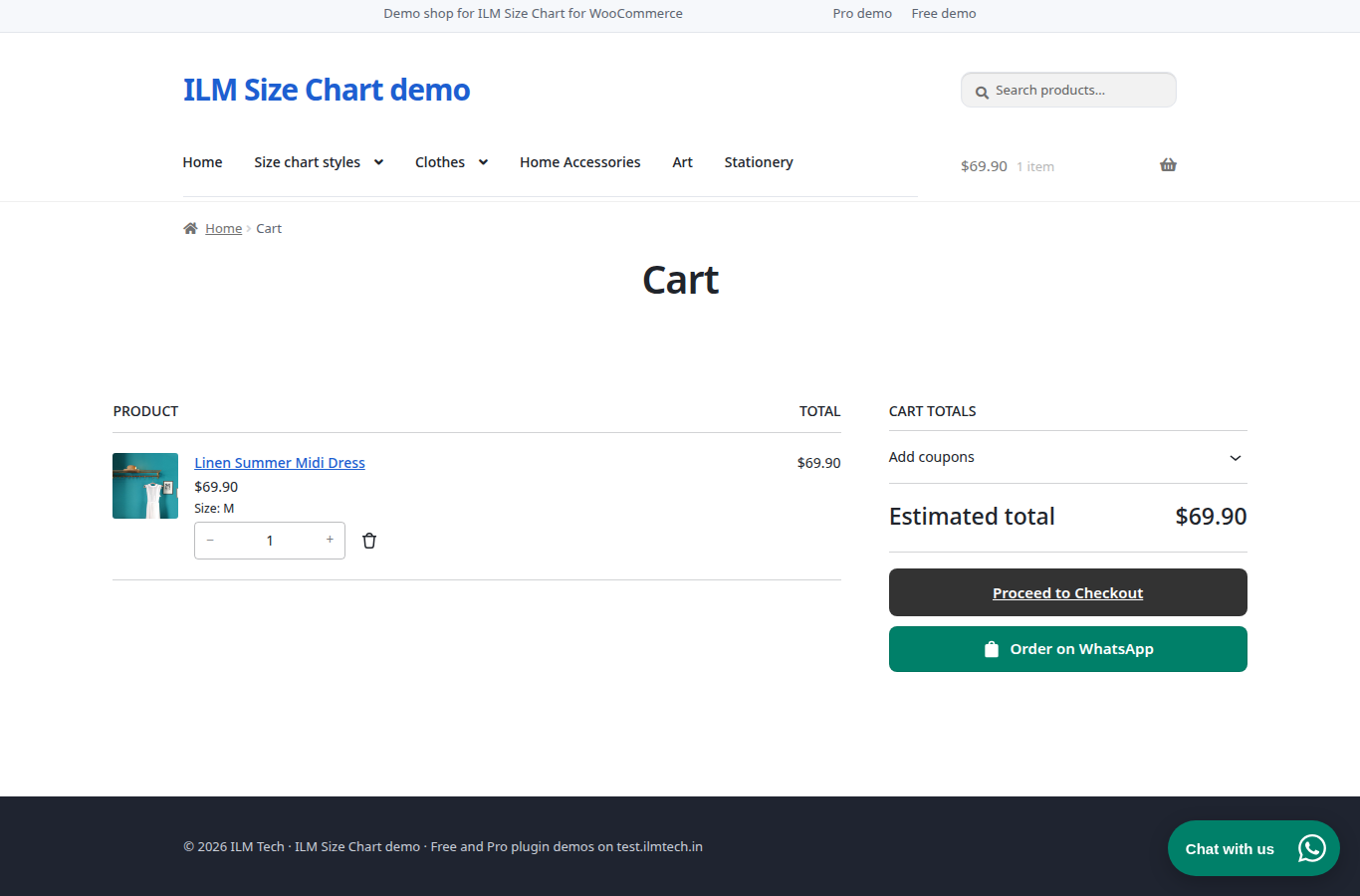
An Order on WhatsApp button under Proceed to checkout sends every product with its options, quantity and price, and the cart total. It works with the classic cart and the new Cart block.
Every change shows straight away in a preview on a computer or a phone, before you save. The preview uses the same code as your shop, so what you see is what shoppers get.
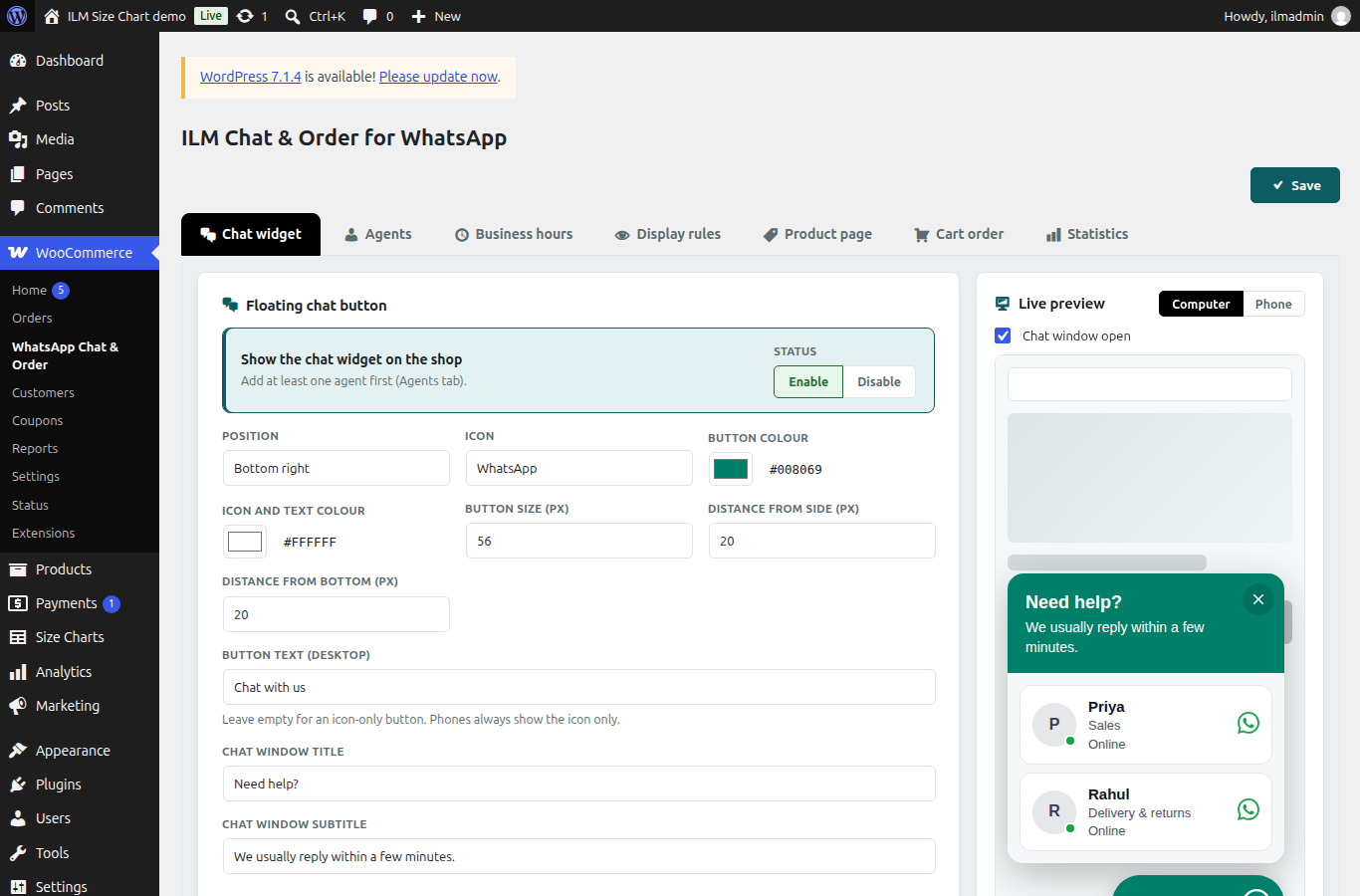
On phones the button shows only the icon, and WhatsApp opens in the app. The widget sits in its own frame, so your theme's styles never break it, and it adds no external fonts or libraries.
| WordPress | WooCommerce | PHP Version | Status |
|---|---|---|---|
| WordPress 7.x | 10.x / 11.x | PHP 8.1 – 8.5 | Compatible |
| WordPress 6.5 – 6.9 | 8.9 – 10.x | PHP 8.0 – 8.4 | Compatible |
| WordPress 6.2 – 6.4 | 7.0 – 8.x | PHP 7.4 – 8.2 | Compatible |
| WordPress 6.1 and older | — | — | Not supported |
Need support for an older version? Contact us and we'll help you out.
After your order, go to My Account → Order History and download the .zip file.
In your WordPress admin go to Plugins → Add New → Upload Plugin, choose the .zip file and click Install Now, then Activate. WooCommerce must be active.
Go to Size Charts → Add Size Chart, build the chart, choose a popup button or on-page display, and set the display rules.
Open a product in your store to check the size guide. For any issue, contact our support team — we respond within 24 hours.
WordPress
ILM Size Chart for WooCommerce is free with no licence key: unlimited charts, a drag-and-drop builder, popup or on-page display, every display rule and 8 themes.
WordPress
ILM Size Chart Pro for WooCommerce adds a popup or on-page size guide with 13 themes, display rules, an AI chart builder and Find my size, all built in the WordPress admin.
Comments (0)
Your review appreciation cannot be sent
Report comment
Report sent
Your report cannot be sent