
 WordPress
ILM Size Chart for WooCommerce (Free)
ILM Size Chart for WooCommerce is free with no licence key: unlimited charts, a drag-and-drop builder, popup or on-page display and display rules.

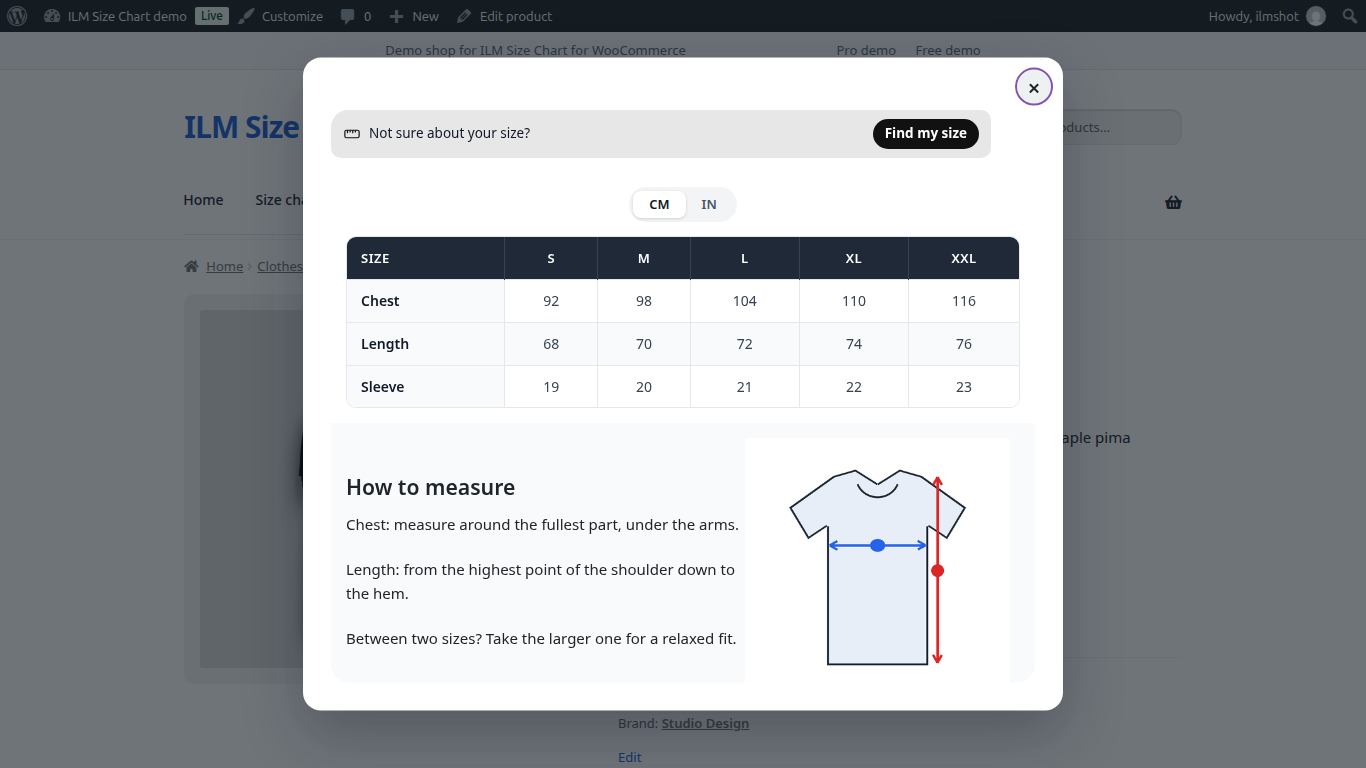
ILM Size Chart Pro for WooCommerce adds a clear size guide to your product pages: in a popup behind a button, or right on the page. You build each guide yourself from tables, tabs, pictures, videos and text, and decide which products show it. Shoppers switch between cm and inches with one click.
Build a guide from rows and columns. Each column holds a table, tabs, a picture, a video, an iframe or text. Move things around, undo and redo, and export a design to reuse it on another chart.
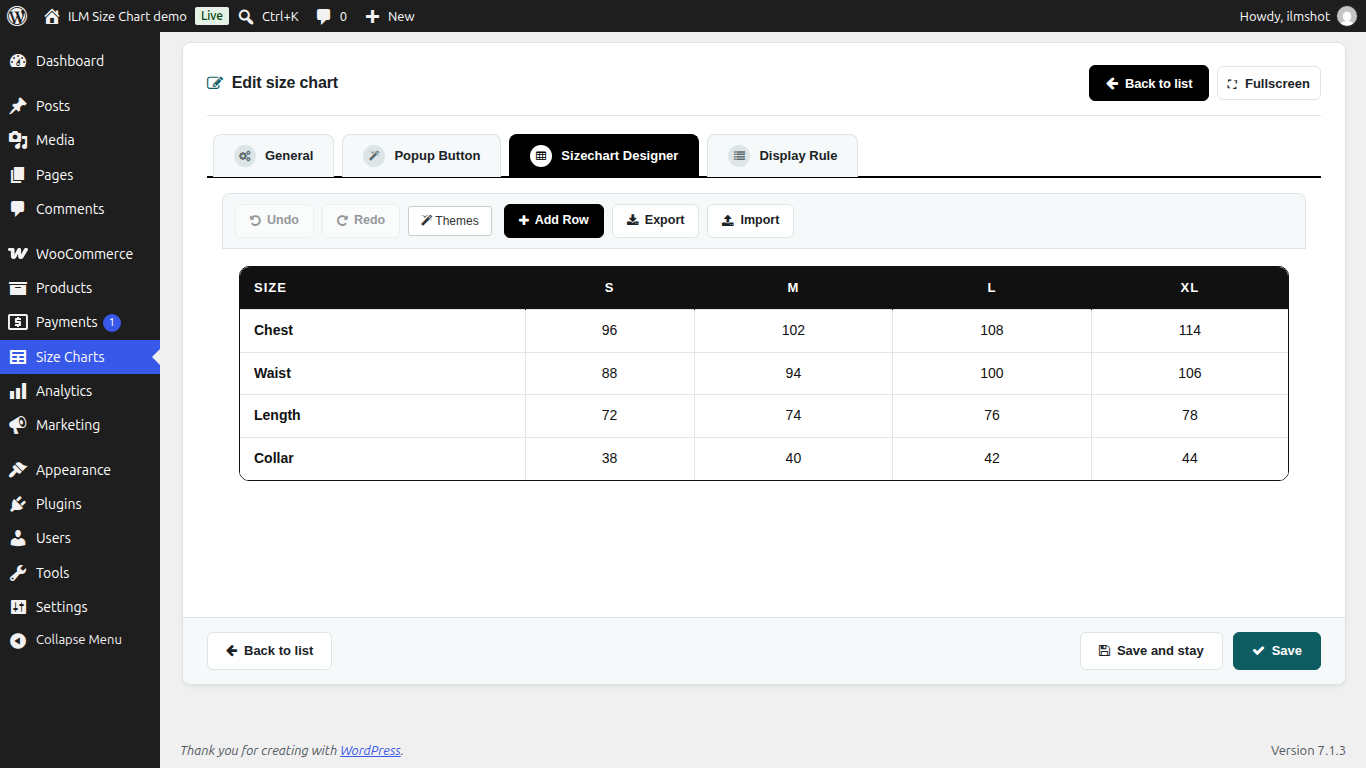
Paste your sizes straight from Excel or Google Sheets. Add cm, inches or any other unit with its conversion value, and the shopper switches between them above the table.
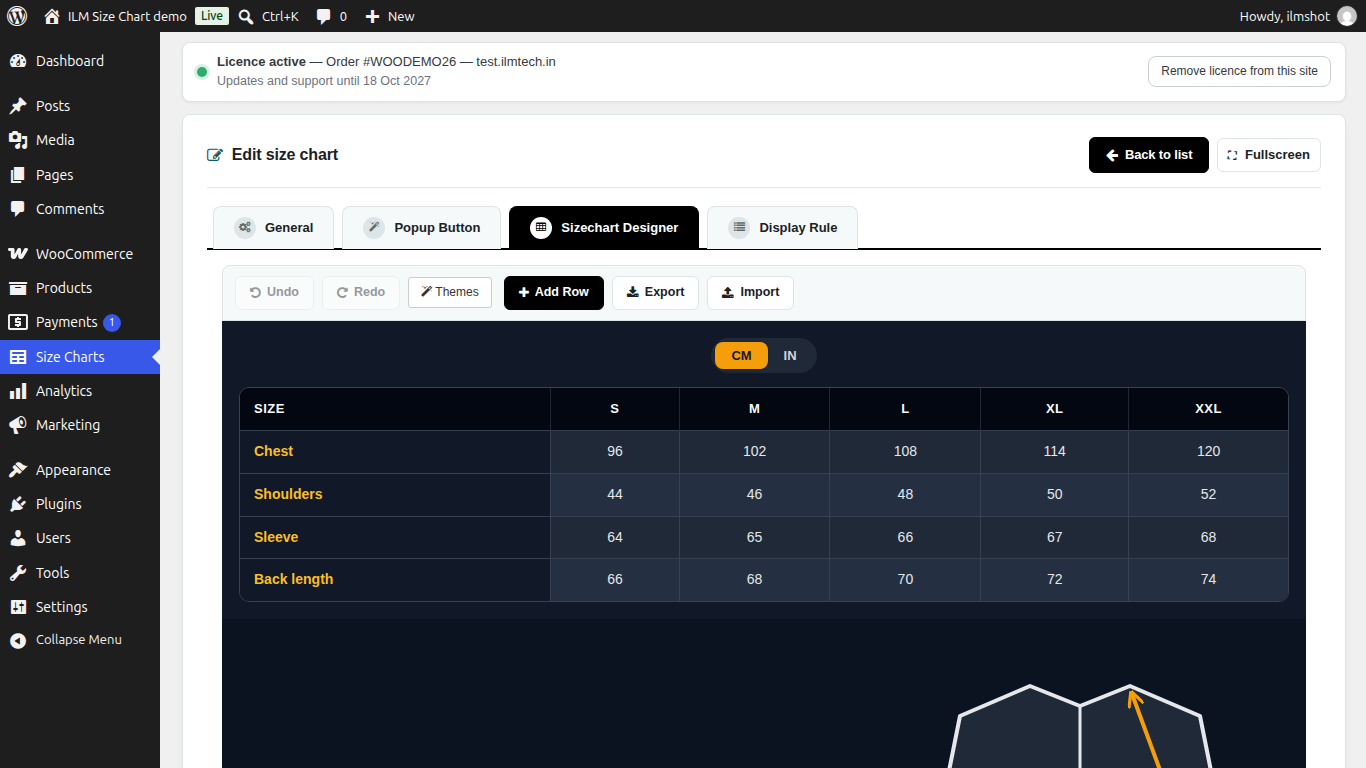
Give your tables a finished look in one click. Pick one of 13 themes, from clean and light to dark and bold, and every table in the chart takes the new look.
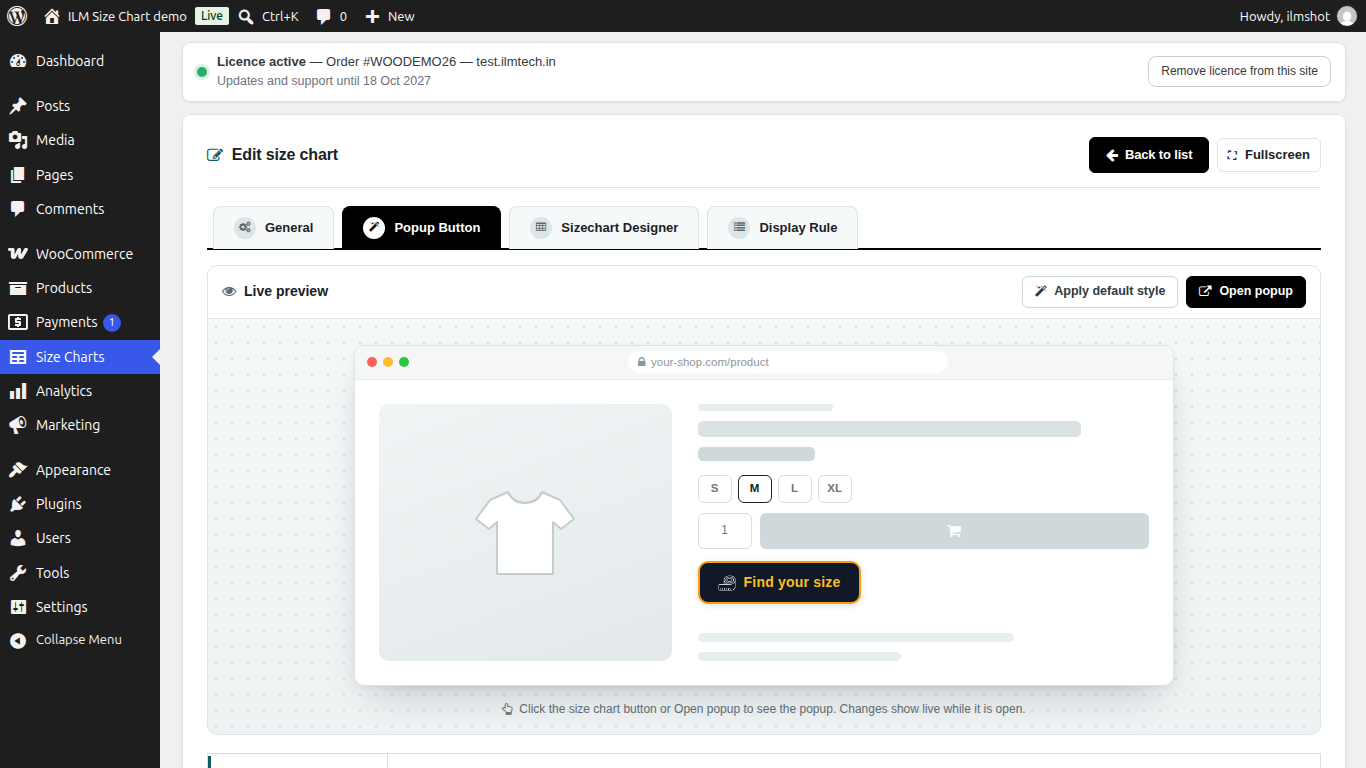
Design the button, its icon, the popup window and its close button, and watch a live preview while you change them. Place the button with the plugin's own position or next to any element of your product page.
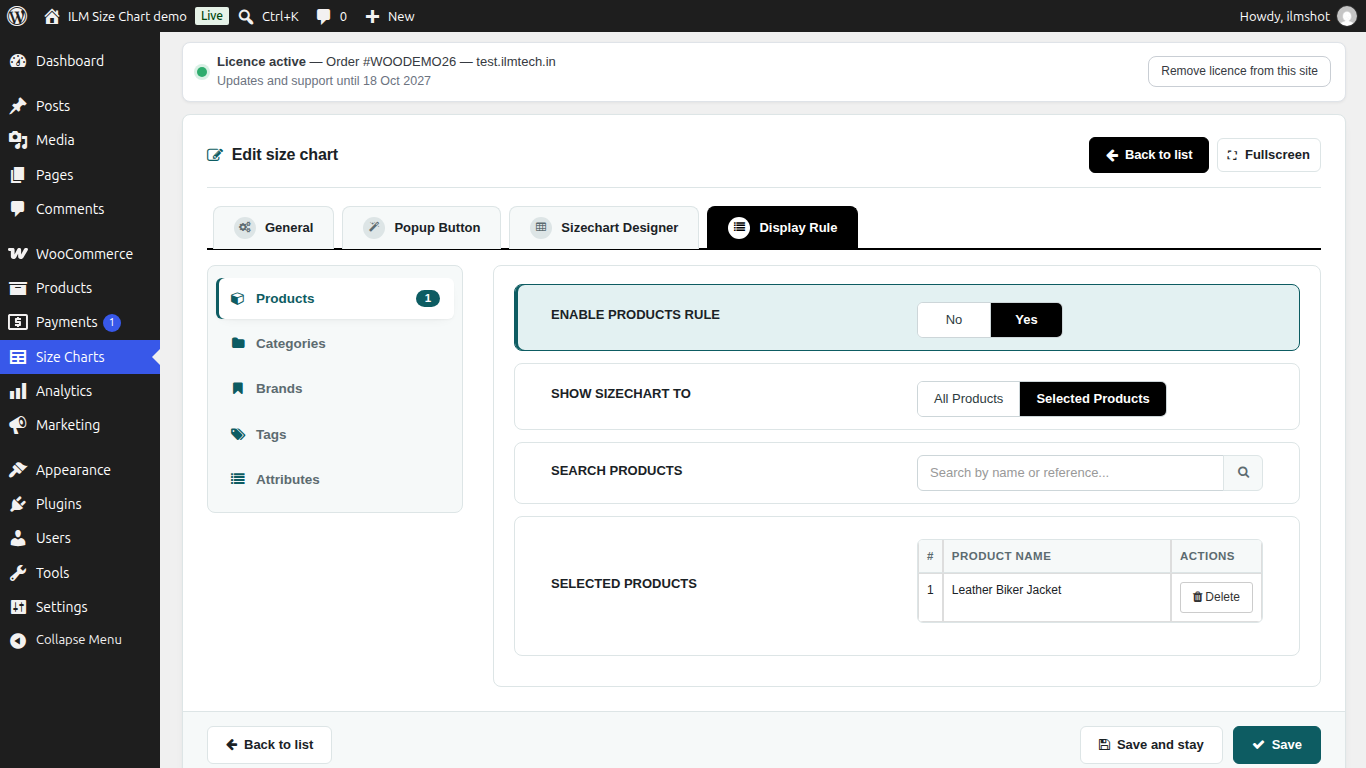
Choose where each chart appears: on selected products, categories, brands, tags or attributes. Apply Constrain to narrow a rule down. When several charts match a product, the one with the highest priority is shown.
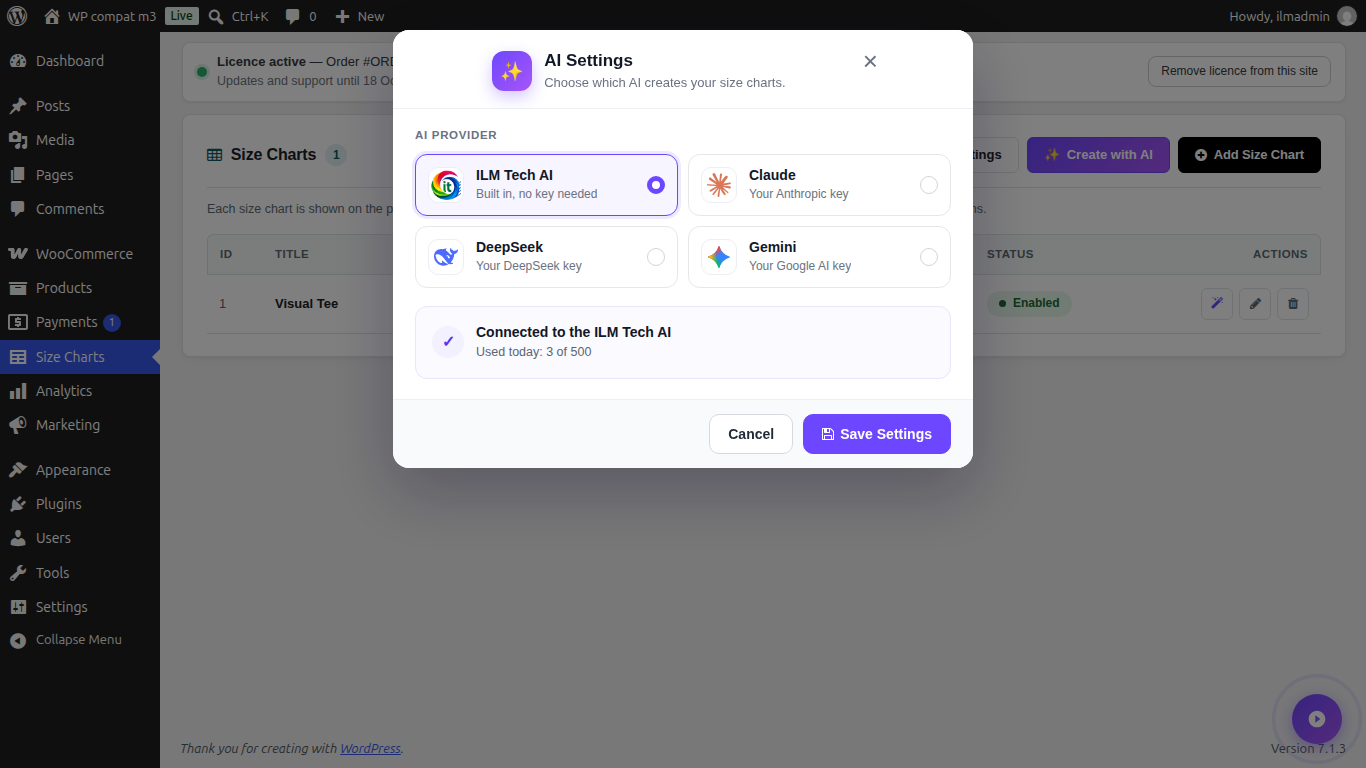
Describe your sizes in words, or upload a picture of a chart, and the AI drafts a complete chart. It works with the ILM Tech AI service, or with your own key for Claude, DeepSeek, OpenAI or Gemini.
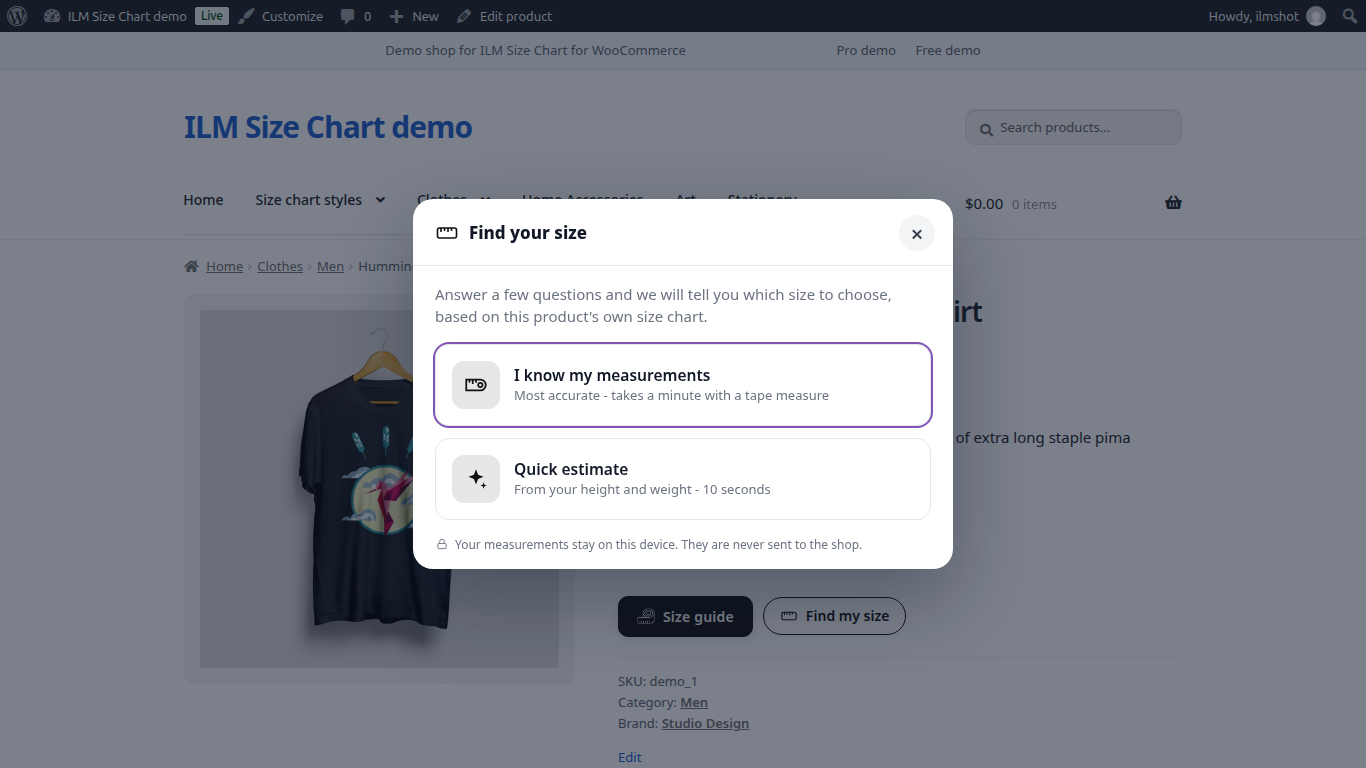
Shoppers enter their measurements, or height and weight, and get a size suggestion with a fit note for each body part. The calculation runs in the browser, so measurements stay on the shopper's device.
The plugin works with or without the support add-on. Updates and support need it.
| WordPress | WooCommerce | PHP Version | Status |
|---|---|---|---|
| WordPress 7.x | 10.x / 11.x | PHP 8.1 – 8.5 | Compatible |
| WordPress 6.5 – 6.9 | 8.9 – 10.x | PHP 8.0 – 8.4 | Compatible |
| WordPress 6.2 – 6.4 | 7.0 – 8.x | PHP 7.4 – 8.2 | Compatible |
| WordPress 6.1 and older | — | — | Not supported |
Need support for an older version? Contact us and we'll help you out.
After your order, go to My Account → Order History and download the .zip file.
In your WordPress admin go to Plugins → Add New → Upload Plugin, choose the .zip file and click Install Now, then Activate. WooCommerce must be active. The Pro add-on also needs the free ILM Size Chart for WooCommerce plugin installed and active.
Open Size Charts in the admin menu. In the licence bar at the top, enter the Order ID shown on your order page.
Go to Size Charts → Add Size Chart, build the chart, choose a popup button or on-page display, and set the display rules.
Open a product in your store to check the size guide. For any issue, contact our support team — we respond within 24 hours.
WordPress
ILM Size Chart for WooCommerce is free with no licence key: unlimited charts, a drag-and-drop builder, popup or on-page display and display rules.
Comments (0)
Your review appreciation cannot be sent
Report comment
Report sent
Your report cannot be sent