
ILM Size Chart Pro – AI Designer for WooCommerce
ILM Size Chart Pro for WooCommerce adds a popup or on-page size guide with 13 themes, display rules, an AI chart builder and Find my size, all built in the WordPress admin.
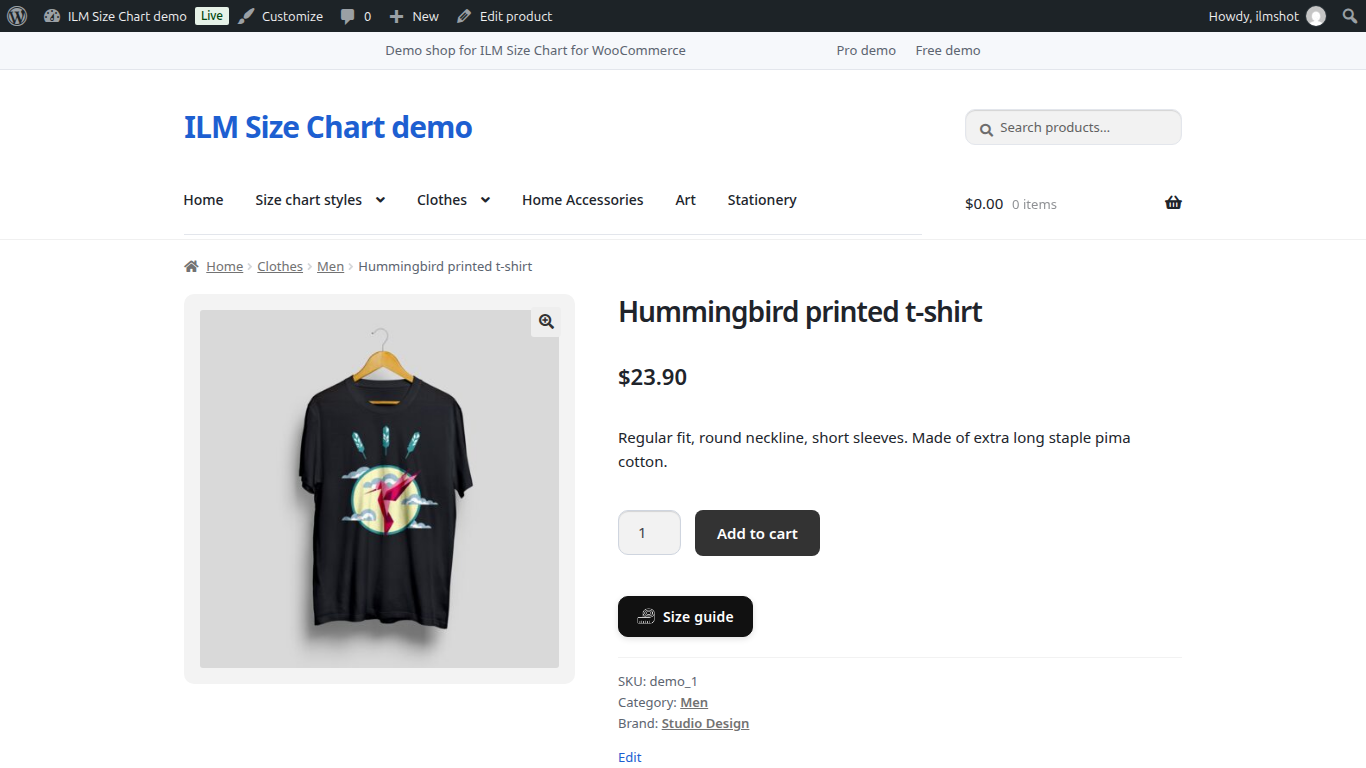
ILM Size Chart for WooCommerce adds a clear size guide to your product pages: in a popup behind a button, or right on the page. It is free, with no licence key, unlimited charts and nothing locked. You build each guide yourself from tables, tabs, pictures, videos and text, and decide which products show it.
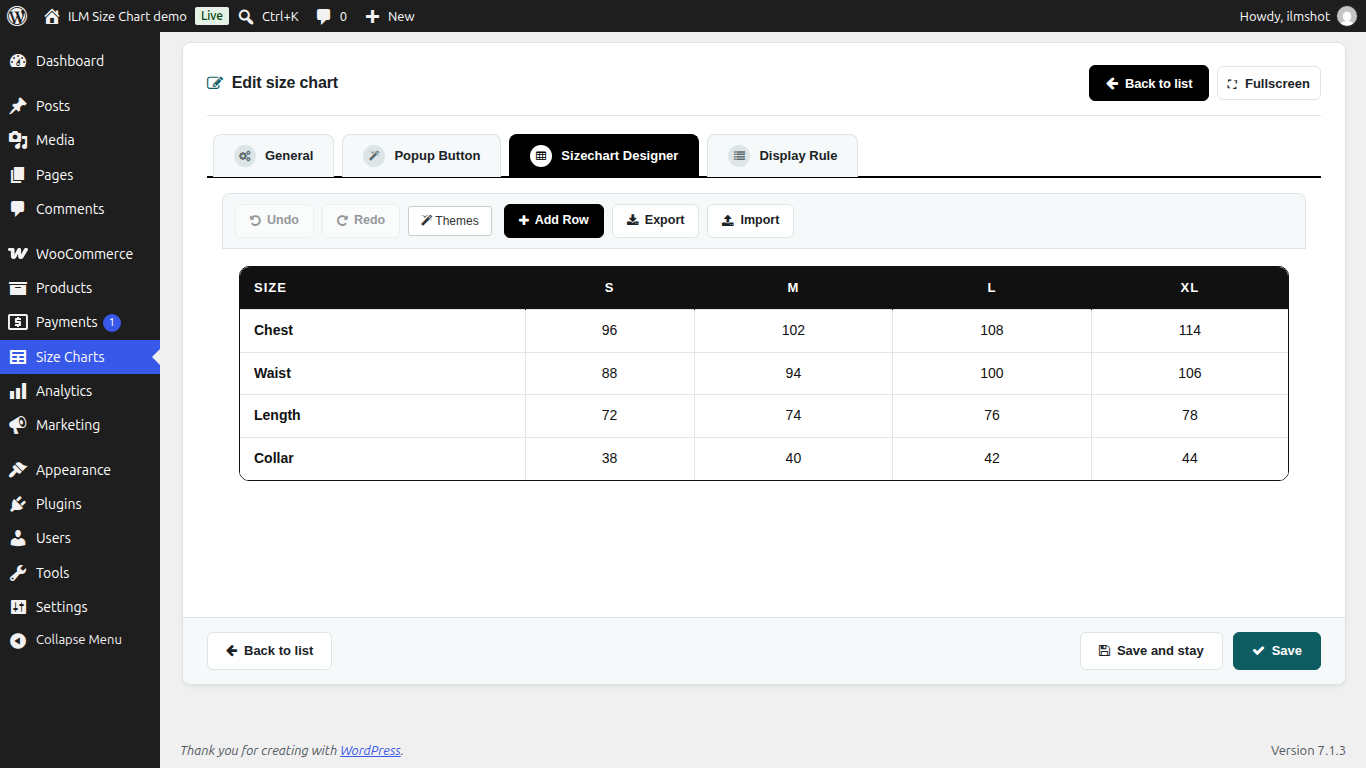
Build a guide from rows and columns. Each row holds up to 6 columns, and you resize them by dragging. Undo and redo, export and import a design, and copy and paste components.

Add a table, text, an image, a video, an iframe or tabs. Paste table sizes straight from Excel or Google Sheets, and add cm, inches or any other unit with its conversion value.

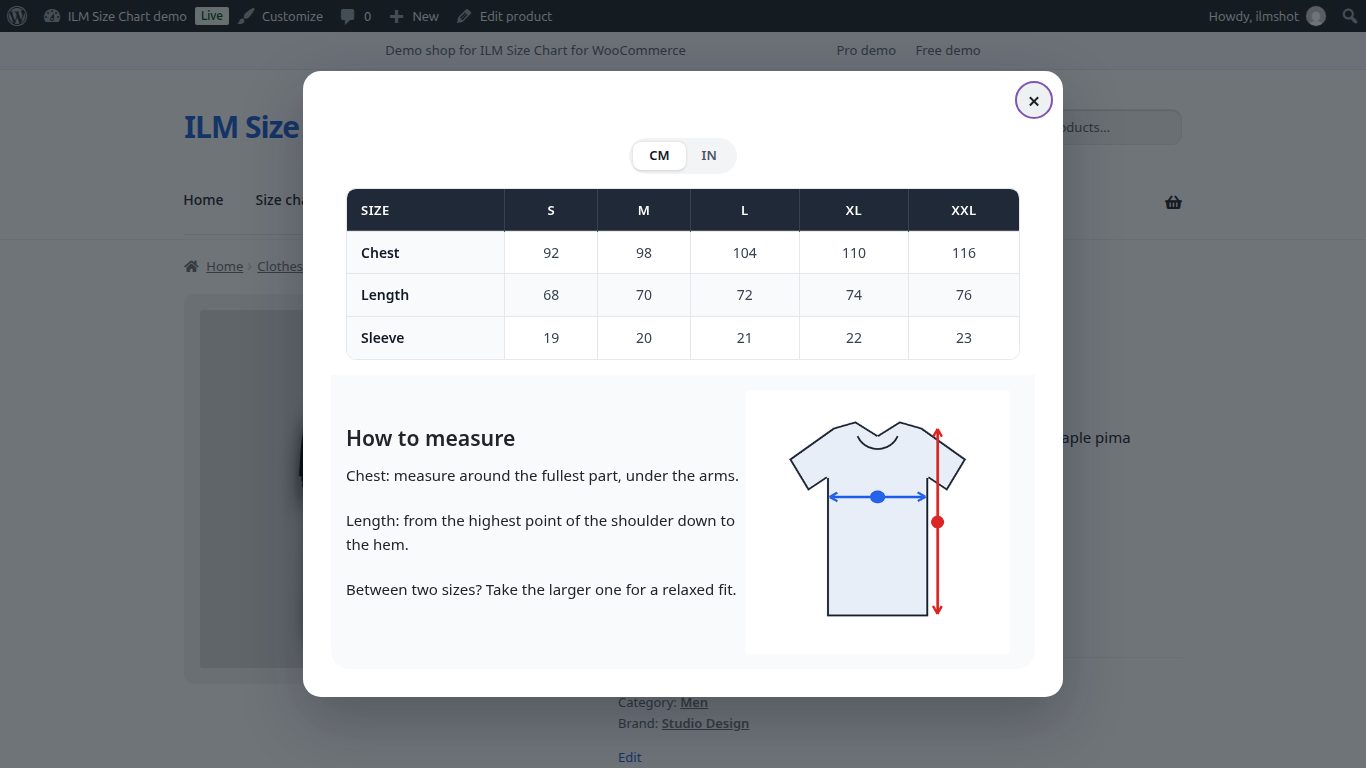
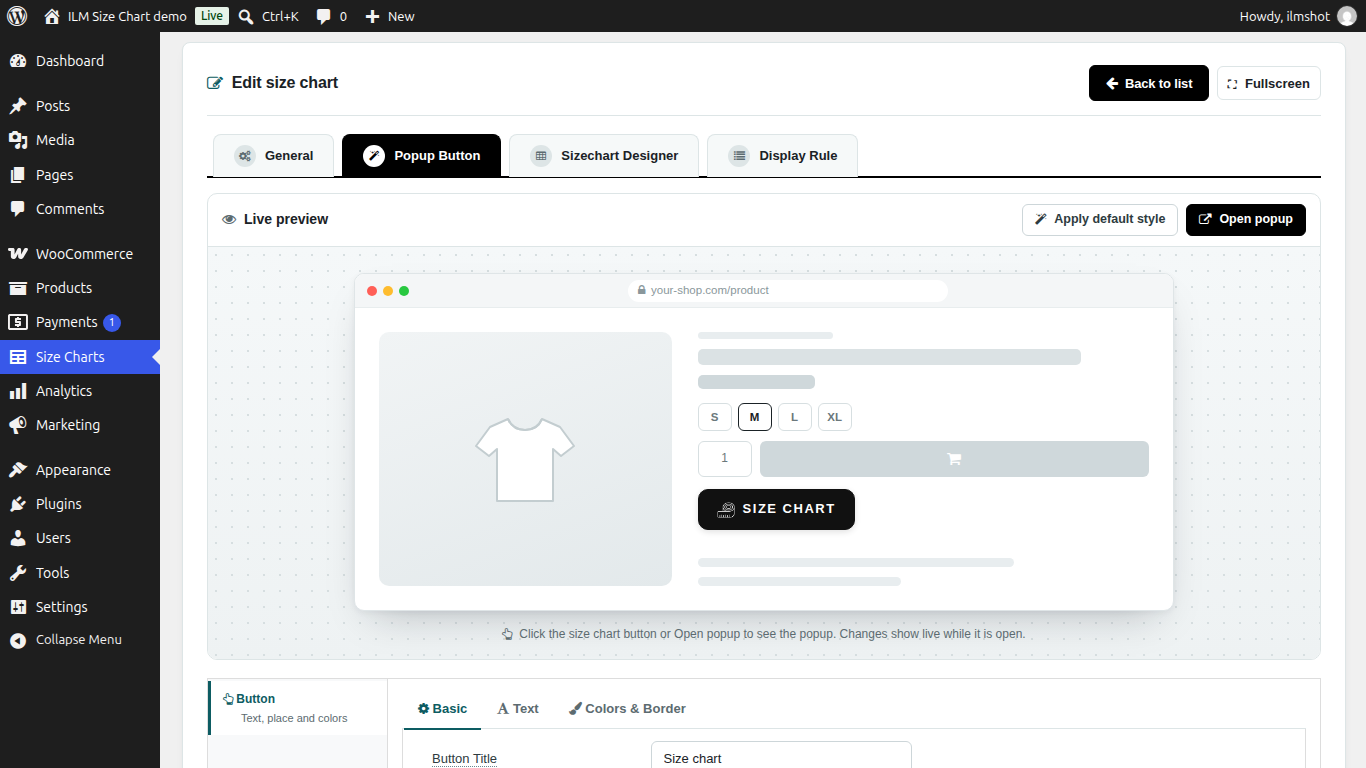
Show the chart in a popup behind a button, or directly on the product page with a heading. An optional CSS selector lets you place the chart anywhere on the page.

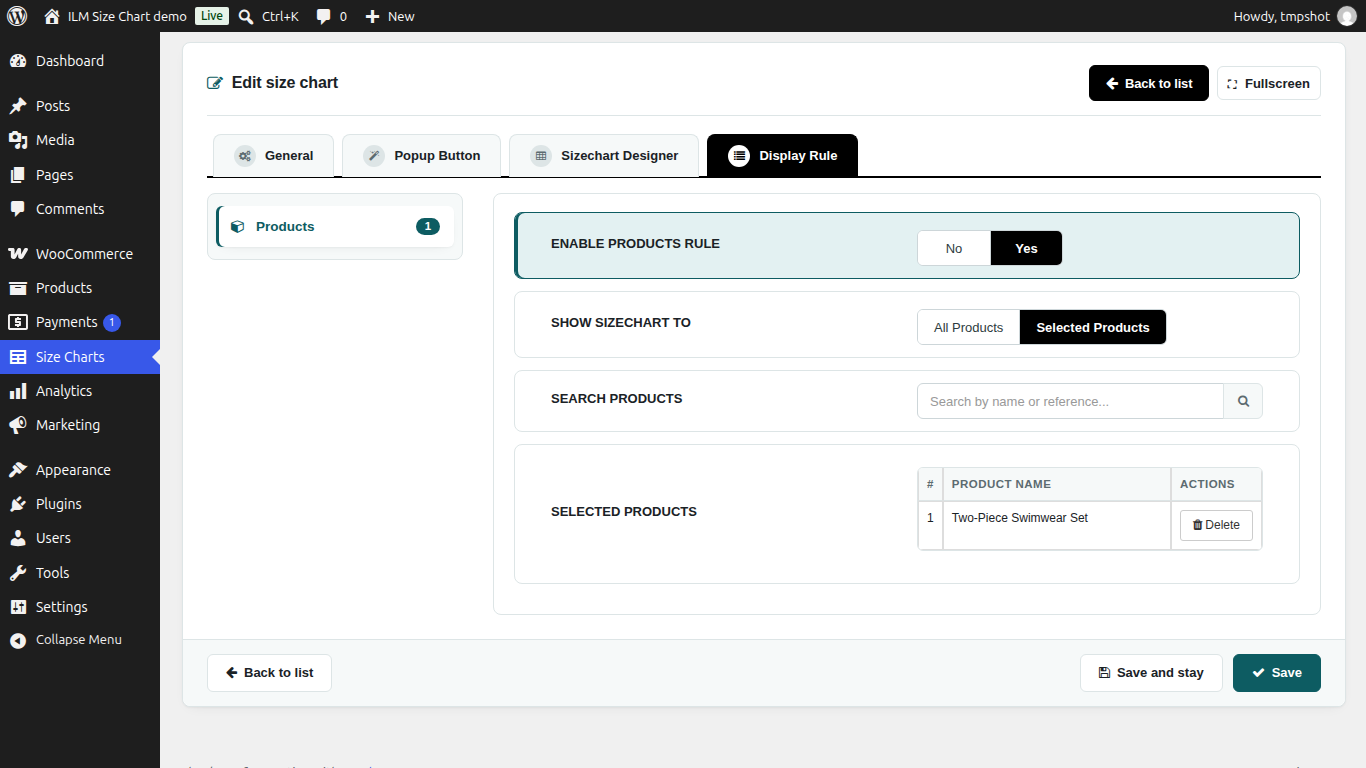
Choose which products get a chart: all products, or the products you select. When several charts match one product, the one with the highest priority is shown. Pro adds rules by category, tag, brand and attribute.

The plugin works with classic and block themes. Use the shortcode [ilm_size_chart] to place a chart, and there is no tracking.

| Free$0You are here | Pro$34.99One-time, 1 site | |
|---|---|---|
| Unlimited charts | ✓ | ✓ |
| Drag-and-drop builder, up to 6 columns | ✓ | ✓ |
| Tables with paste from Excel or Google Sheets | ✓ | ✓ |
| cm / inch unit switch | ✓ | ✓ |
| Popup button or on-page chart | ✓ | ✓ |
| Display rules: all or selected products | ✓ | ✓ |
| Display rules: categories, tags, brands, attributes | — | ✓ |
| Table themes | 3 | 13 |
| Popup button designer | Basic | Full: button, icon, window, animation |
| AI chart builder | — | ✓ |
| Find my size for shoppers | — | ✓ |
| Licence key | Not needed | 1 site |
| WordPress | WooCommerce | PHP Version | Status |
|---|---|---|---|
| WordPress 7.x | 10.x / 11.x | PHP 8.1 – 8.5 | Compatible |
| WordPress 6.5 – 6.9 | 8.9 – 10.x | PHP 8.0 – 8.4 | Compatible |
| WordPress 6.2 – 6.4 | 7.0 – 8.x | PHP 7.4 – 8.2 | Compatible |
| WordPress 6.1 and older | — | — | Not supported |
Need support for an older version? Contact us and we'll help you out.
After your order, go to My Account → Order History and download the .zip file.
In your WordPress admin go to Plugins → Add New → Upload Plugin, choose the .zip file and click Install Now, then Activate. WooCommerce must be active.
Go to Size Charts → Add Size Chart, build the chart, choose a popup button or on-page display, and set the display rules.
Open a product in your store to check the size guide. For any issue, contact our support team — we respond within 24 hours.
Comments (0)
Your review appreciation cannot be sent
Report comment
Report sent
Your report cannot be sent